Use MDC to fetch metadata for local movies and series, organize files and artwork, and build a library in a media server.
Download MDC, then register and sign in to your MDC account to start a free trial.
MDC fetches metadata for existing local movies and series, organizes files and artwork, and lets you preview scraping results. After processing, add the organized directory to a media server and scan the library.
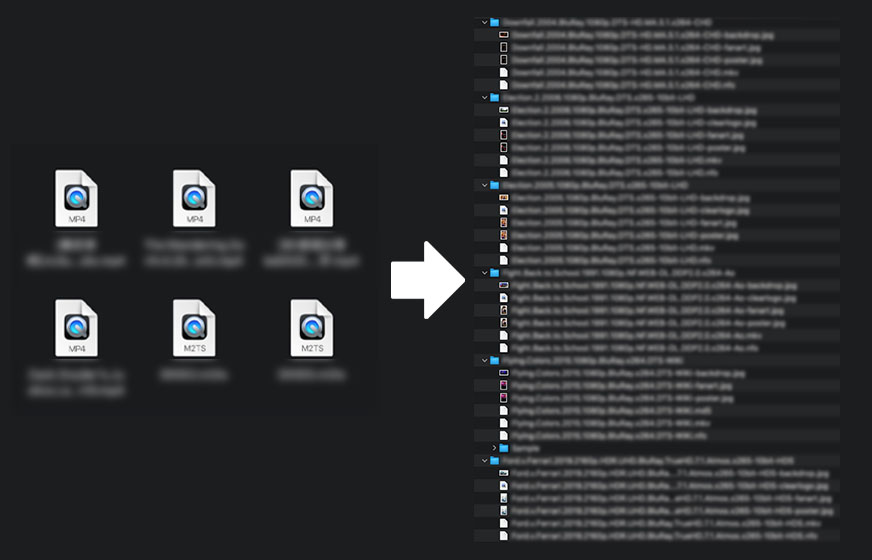
From Local Files to a Media Server
Choose a local media directory
Select an existing movie or series directory on your device or mounted storage. MDC does not provide movie downloads.
Scrape and organize
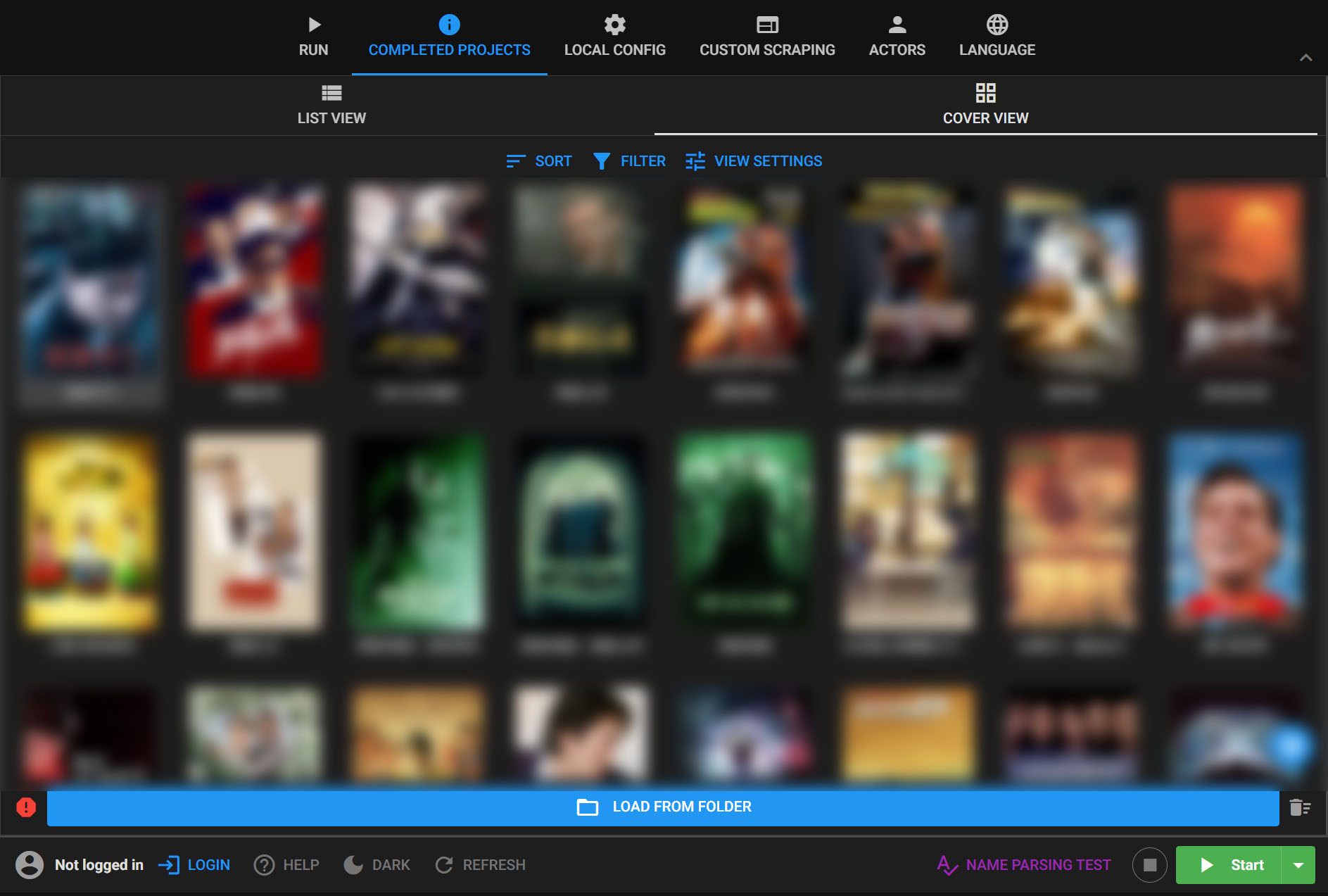
Configure data sources, naming rules, and organization options, then review matches, posters, and metadata in MDC.
Add the directory in a Media Server
Add the organized directory to the appropriate Media Server library type and scan it. If local metadata or artwork is not displayed as expected, review the related media server settings.
What MDC prepares
MDC creates consistent file names and directory structures, downloads cover artwork, and manages metadata for large local libraries. Its media browser can also read existing NFO files so you can review and correct matches.
How Media Server uses the organized files
Media Server scans the library itself. Recognition and local metadata display depend on the library type, file names, and media server settings. Test with a small set of files before processing the full library.
Frequently Asked Questions
Does MDC download movies?
No. MDC works with existing local movie and series files and handles metadata, artwork, and organization.
Why does Media Server not show local artwork or metadata?
Make sure the library points to the directory organized by MDC, then check file names, NFO files, and Media Server metadata settings. Test with a small set of files first.
How should I start?
Choose a small media directory, complete matching and organization, then add it to Media Server and scan it. Process the rest of the library after confirming the result.