Some movies have a detailed information page but still cannot be matched by conventional scraping. For less common titles or sites without a dedicated scraper, provide the URL of the movie's specific information page. AI All-in-One Parsing uses a large language model (LLM) to extract the title, cast, description, and cover for you to review before saving.
For sites with unusual page layouts, you can set a site-specific prompt that is saved by domain and reused automatically.
This single-file scraping example covers OpenAI API setup, parsing modes, browser verification, and checking the results. The feature requires MDC 8.2.0 or later; update MDC if needed.
Register and sign in to your MDC account after downloading to start a free trial.
What You Need Before AI Web Scraping
- In MDC's
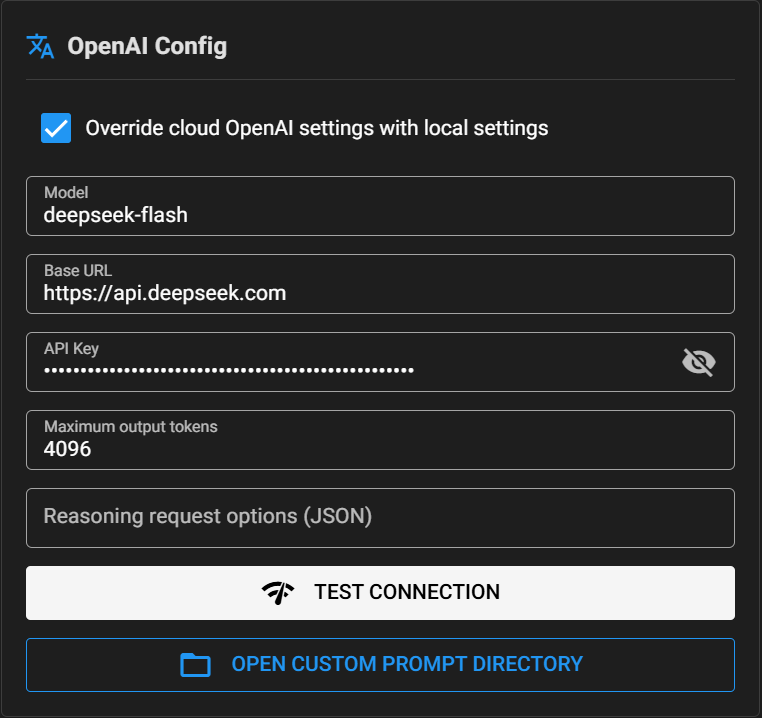
LOCAL CONFIGorCLOUD CONFIG, enter the OpenAI settings:Base URL,API Key, andModel. The model is the LLM used to parse the webpage. The OpenAI configuration guide lists tested providers and a DeepSeek model example; use the values supplied by your provider. - Install Chrome. MDC opens the page in a browser while parsing it.
- Find a movie information page with useful details and copy its full URL. Use the specific movie page, rather than a homepage or search results page.
Fast or Deep Parsing?
| Mode | Best for | Tradeoff |
|---|---|---|
| Fast mode | The title, description, and cast are on one page | Parses the current page with less time and token usage |
| Deep mode | Details are spread across the page and related links | Opens relevant links for more information, using more time and tokens |
The mode switch is off by default, which uses fast mode. Turn it on to use deep mode. Start with fast mode; if the preview lacks details found on related pages, turn on the switch and try deep mode.
Step 1: Add the Movie File
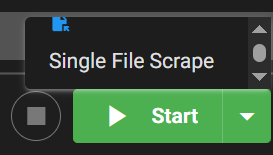
Launch MDC, click the arrow in the lower-right corner, choose SINGLE FILE SCRAPING, and add the media file.
Step 2: Enter the Movie Page URL and Start AI Parsing
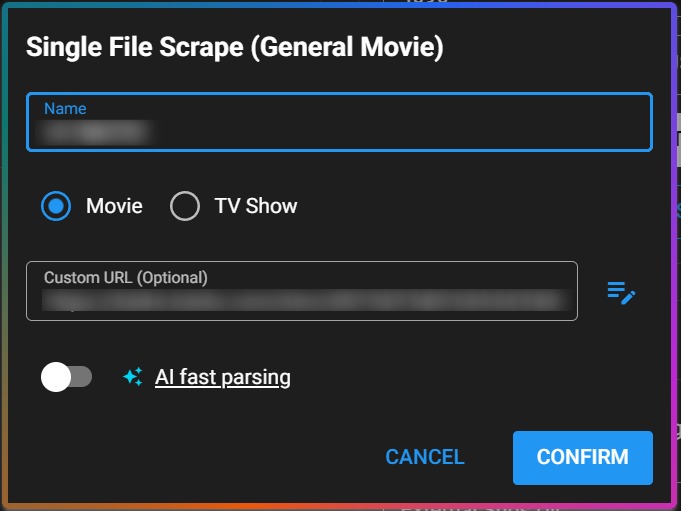
Paste the full information-page URL into the Custom URL field. Leave the AI Fast Parsing Mode switch off for fast mode, or turn it on for AI Deep Parsing Mode, then start scraping. Use deep mode if details such as cast appear on related pages.
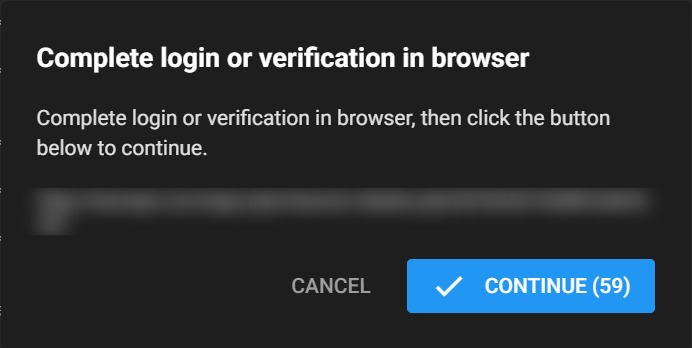
AI can recognize and click confirmation buttons. If the page requires a login, CAPTCHA, or another manual action, follow MDC's prompt to take over the browser. Parsing continues after you finish.
Step 3: Review the Metadata and Cover
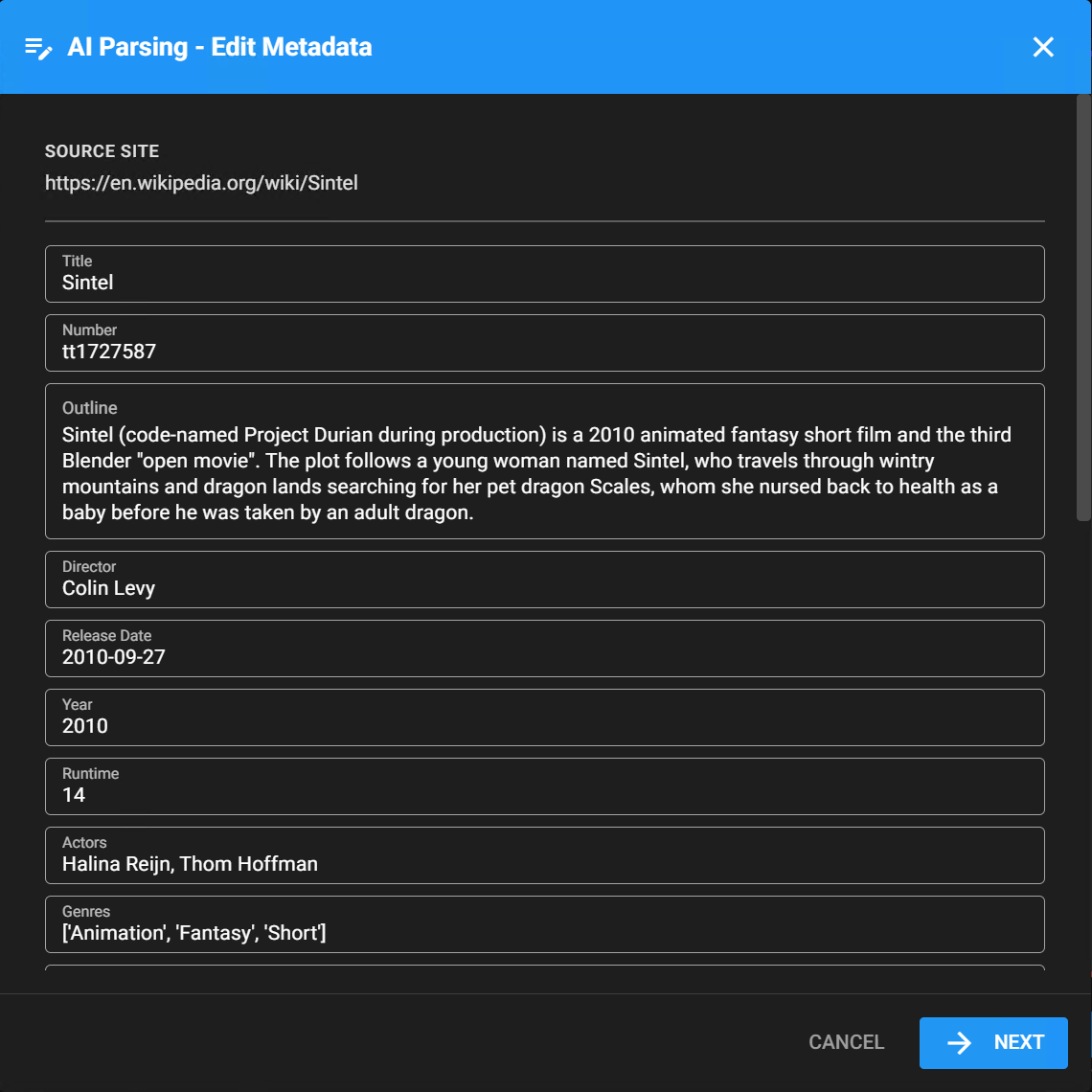
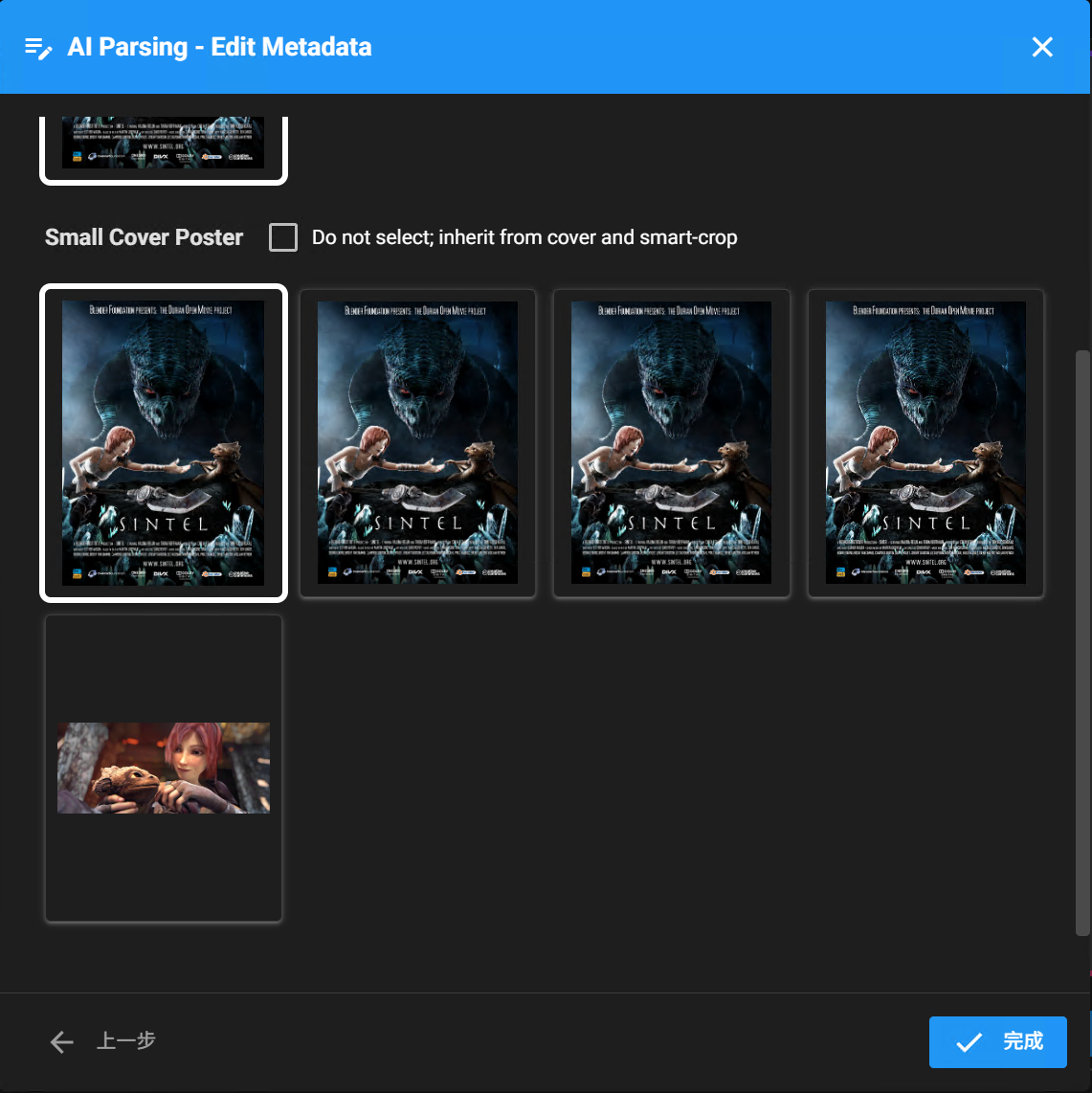
These screenshots use the information page for the 2010 animated short Sintel. Check the extracted title, description, cast, director, release date, and cover before saving. Webpages may lack details, and AI may mistake recommendations for information about the target movie. Correct missing or inaccurate fields first.
Add Multiple Movies and Information-Page URLs
If you have several movies to scrape from webpages, click CUSTOM SCRAPING at the top of the MDC window to add them in a batch and enter the corresponding information-page URL for each movie. Check that each movie has the correct URL before submitting the batch.

Site-Specific Prompts for Difficult Pages
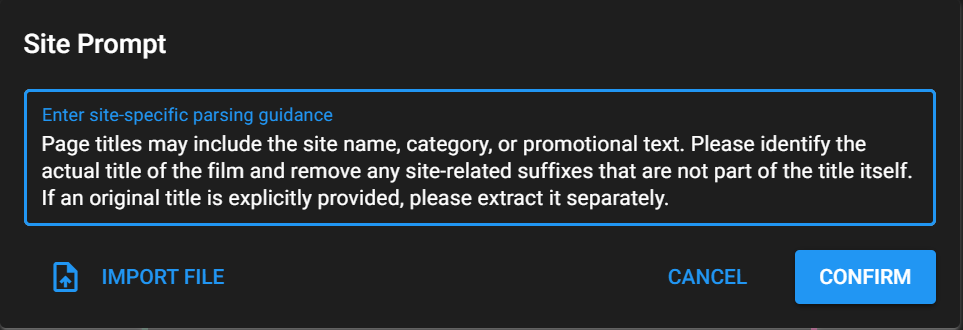
If a site uses unusual page layouts or its cover URLs need adjustment, set a custom prompt for that site. Choose SINGLE FILE SCRAPING from the lower-right menu, then click the button beside the URL field.

The prompt is saved automatically for the site's domain and used the next time you parse a page from that site.
FAQ
Why Doesn't AI Scraping Find the Movie Information?
Check that the URL points to an accessible specific movie information page, not a homepage or search results. Complete any login or CAPTCHA when prompted. If the details are on related pages, try deep mode.
Can I Use DeepSeek for AI Scraping?
Yes. The OpenAI configuration guide includes a tested DeepSeek model example. Enter the Base URL, API Key, and Model supplied by your provider. The client's “OpenAI” setting accepts LLM services that support the OpenAI API format.
Why Do Fast and Deep Modes Produce Different Results?
They read different sets of pages. Deep mode follows related links and may find more details, but uses more time and tokens. Review the result before saving in either mode.