Metadata Browser
Videos organized by MDC or another scraping tool can be viewed in MDC without scraping them again. Open COMPLETED PROJECTS, click LOAD FROM FOLDER, and quickly scan the completed directory to browse its metadata, find projects, check details, and view covers.

Try it now
This feature is free. Download MDC and open COMPLETED PROJECTS in the client.
🔎 Search and filter
Search metadata such as filename, title, series, studio, director, actors, genres, and tags. Combine search, filters, and sorting to quickly narrow results in a large library.
⚡ Fast scanning
Quickly scan media and metadata scraped by MDC or other scraping tools. Scanning does not generate cache files or take extra storage space.
Interface preview
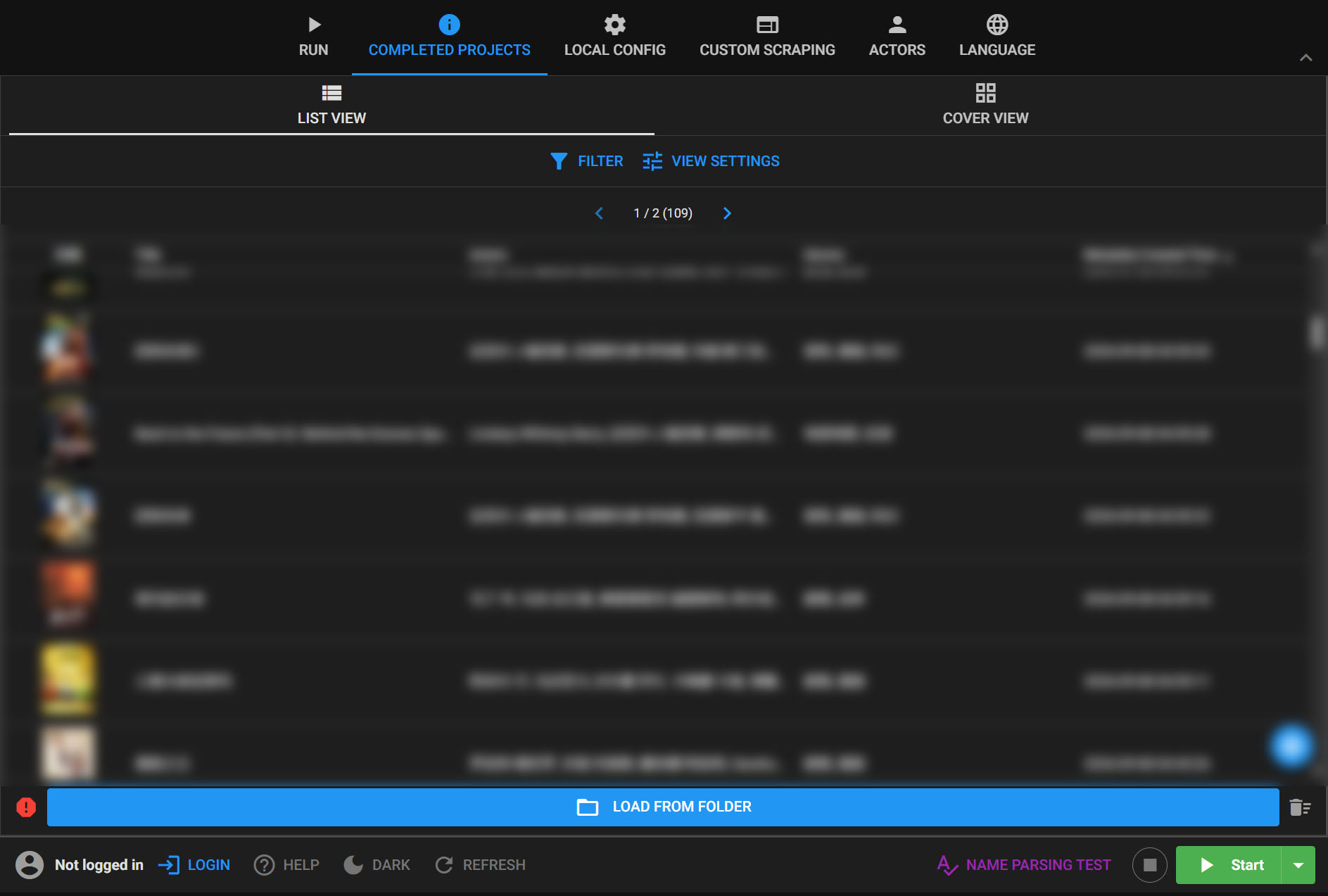
List view
Scan the entire library in a table. Filenames, titles, release dates, series, studios, directors, actors, genres, and tags are easy to review, with sorting, pagination, and configurable columns.
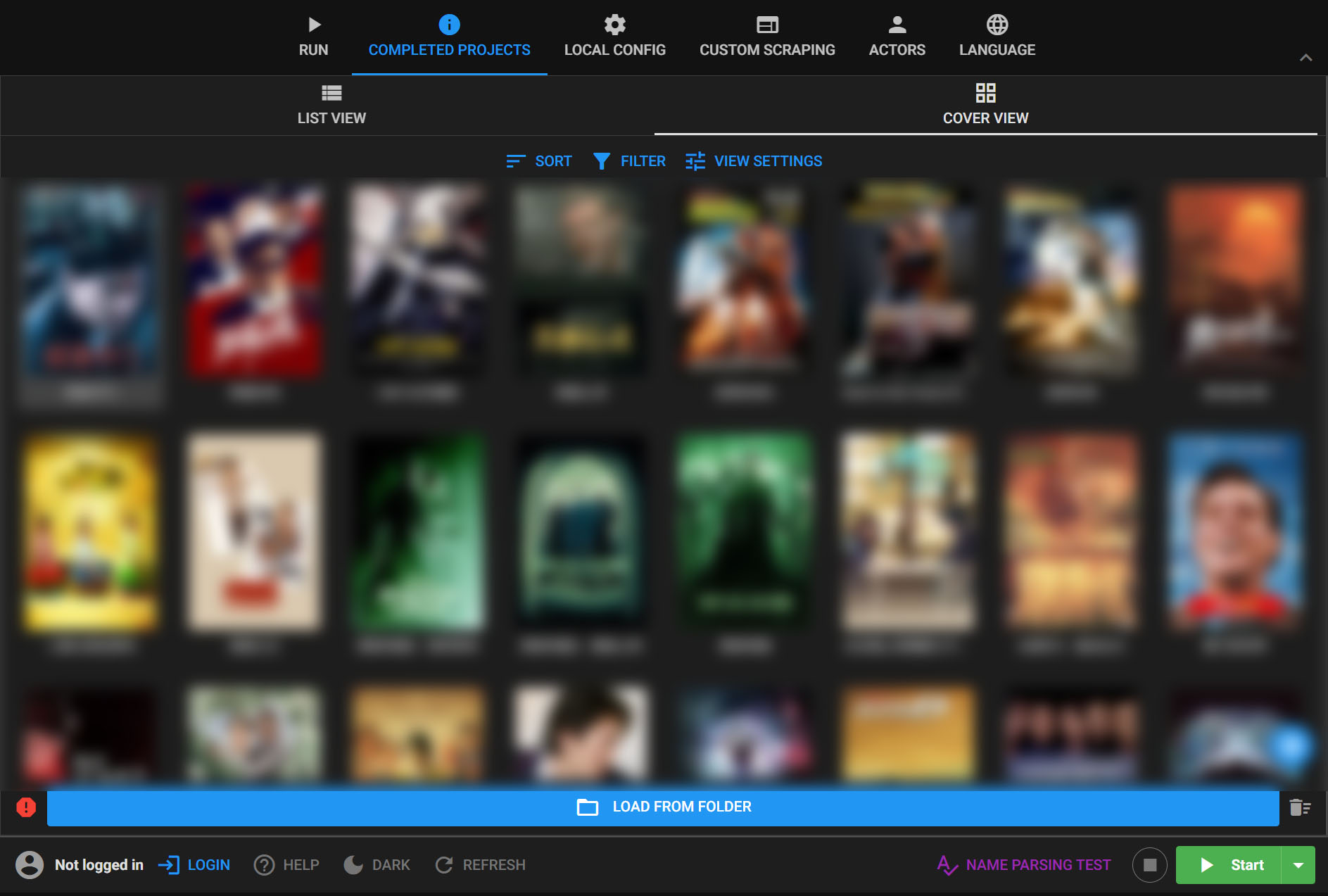
Cover view
Use a poster wall to find projects visually. Covers, titles, and key metadata are shown together, with sorting, adjustable card sizes, and clickable details.
View and edit details
Open a project to view its poster, title, tags, actors, genres, release date, and other metadata, then save changes.
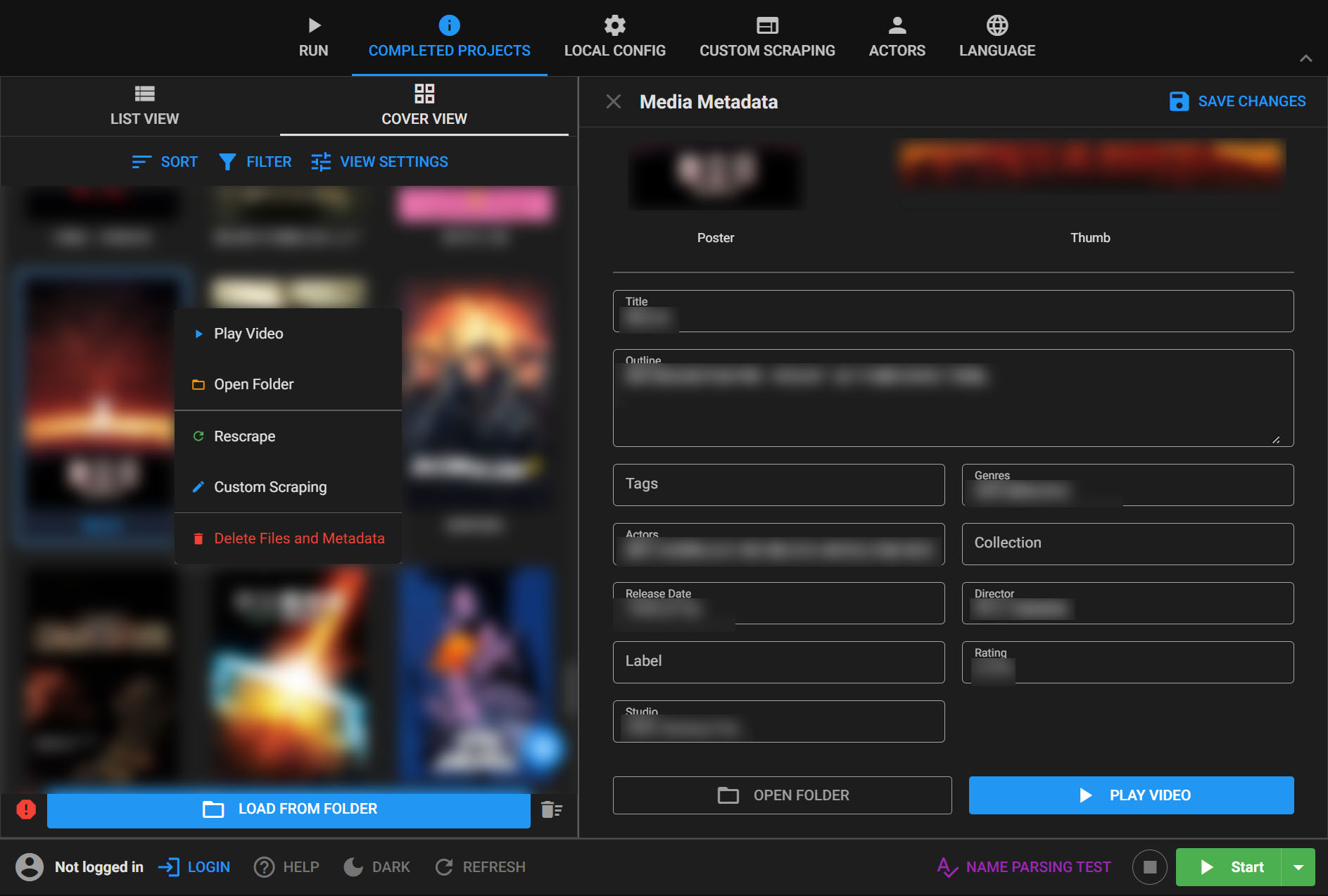
Rescrape and custom scrape
Right-click a project in list or cover view to choose RESCRAPE or CUSTOM SCRAPE. Custom scrape lets you edit the search name before looking up and updating the metadata.
From folder to library in three steps
- Open
COMPLETED PROJECTSand clickLOAD FROM FOLDER. - Select a completed directory containing NFO files and wait for the fast scan to finish.
- Switch between list and cover views, search and filter projects, and open their details.
INFO
The metadata browser only reads files and metadata already stored on your device. It does not provide any video download method and is intended for organizing a personal media library.