MDC NAS Shares and Cloud Drive Mounting
🗄️ NAS Usage
Windows
- Map network drive: open File Explorer, click
Computerat the top, then clickMap Network Drive
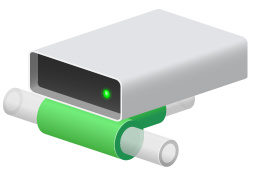
- Make sure that in
This PC, the NAS disk is underNetwork Location, notDevices and Drives - Place the program on the local disk of the current computer. If exe execution permission is enabled on the NAS share, it can also be placed on the network drive
- Run the client
MDC.exe, then select directories under the network drive for the scraping directory and output directory
macOS
- Refer to Connect your Mac to shared computers and servers
- Run the client
MDC, then select folders in the connected server for the scraping directory and output directory